
How to Redeem SpinPractices Codes
A clean path from the Roblox join screen to a successful claim.
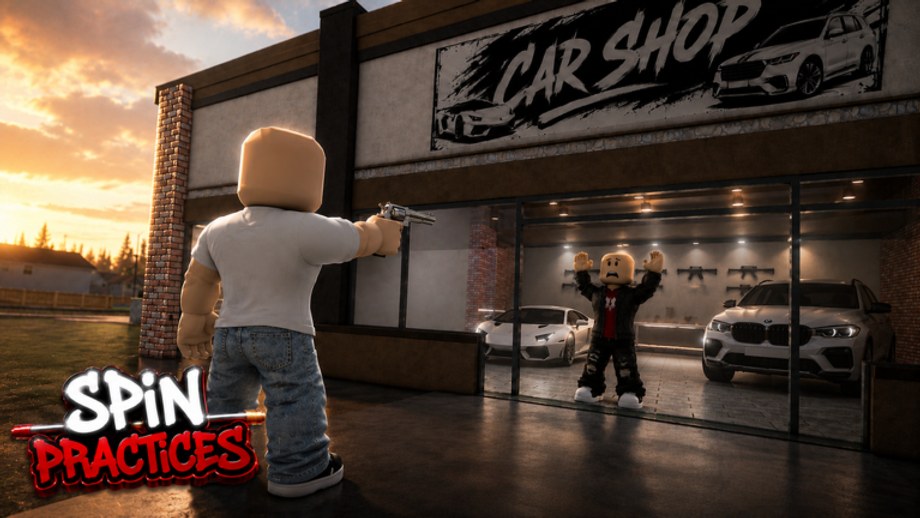
Redeeming a SpinPractices code should take under a minute. The trainer is in beta, so the button may move, but the rules do not: exact spelling, one account, one claim, then back to the car shop dummy. Use this page together with the live table on the codes hub.
Before you touch the box
- Update Roblox. Old clients sometimes fail silent HTTP calls that codes use.
- Join from the official place, not a copycat spin map.
- Copy the code from the hub. Do not retype on a phone keyboard if you can paste.
- Finish the first load so your data exists. Redeeming during the spawn fade can drop the request.
If no codes are live, skip this page and run the warmup instead. Standing in a codes menu looking for a string that does not exist is not practice.
PC steps
- Press the Roblox menu or the in-game shop icon. Beta HUDs usually put shop, settings, and codes on the left or in pause.
- Find a field labelled Codes, Redeem, or Promo.
- Paste the string. Do not add a space at the end.
- Click Redeem / Claim.
- Watch for a toast: coins, ammo, a crate, or a cosmetic. If the UI flashes red, read the message — expired, already used, or invalid.
Shift lock can steal your first click. Tap Shift to unlock the mouse if the cursor is stuck in the 3D view, then click the box. Controls covers that toggle.
Mobile steps
- Tap the hamburger or shop button with your left thumb, not the fire button.
- Scroll the panel. On small screens the codes box sits under gamepasses.
- Long-press to paste. Mobile keyboards love to capitalize the first letter — turn off auto-capitalize or the code will fail.
- Tap Redeem and wait a full second. Mobile packet loss is why people think a good code is dead.
If the on-screen keyboard covers the button, collapse it, then tap Redeem. Do not mash; double submits can lock the remote for a few seconds.
Console steps
On Xbox and PlayStation, open the Roblox menu with the assigned view button, switch to a keyboard if you have one, and paste. On-screen consoles keyboards are slow and error-prone. If you play SpinPractices on a TV, it is faster to redeem on phone, then hop back — codes are account-wide, not server-wide.
When redeem fails
Work the list in order:
- Invalid — typo, extra space, or a code from another game. BlockSpin and SpinX strings do not work here.
- Expired — move it mentally to expired codes and stop retrying.
- Already redeemed — you already got the gift on this account. Alts do not share codes unless the developer says so.
- No box — the beta UI may not have shipped codes yet. That matches the empty table on the codes hub.
- Lag — rejoin a quieter server. 24-player servers can hitch on first spawn.
Never paste a code into chat. Other players will snipe it, and chat filters can alter characters.
After a successful claim
Open inventory or the ammo counter and confirm the gift. Then leave the menu. A code that grants ammo is meant to feed the next drill, not to sit in a UI. If the gift is a cosmetic, equip it only if it does not hide the dummy — huge hats wreck target visibility in a trainer.
Related pages
Pair this walkthrough with expired codes so you do not retry dead strings, and with Getting Started so the reward actually hits a dummy. Beta notes is where we mention a new codes button if the HUD changes.
Frequently Asked Questions
Quick answers for SpinPractices sessions, settings, and drills.
Where is the codes button in SpinPractices?
Beta HUDs move. Check the left shop cluster and the Roblox pause menu. If neither has a box, no codes system is live yet.
Are codes case sensitive?
Yes. Paste from the codes hub instead of retyping.
Can I redeem on mobile and play on PC?
Yes. Codes bind to the Roblox account, not the device.
Why does Redeem do nothing?
Usually a dead code, a space, or a request lost on join. Rejoin and paste once.