
SpinPractices Controls
Shift lock, mouse, thumbs, and sticks on the car shop range.
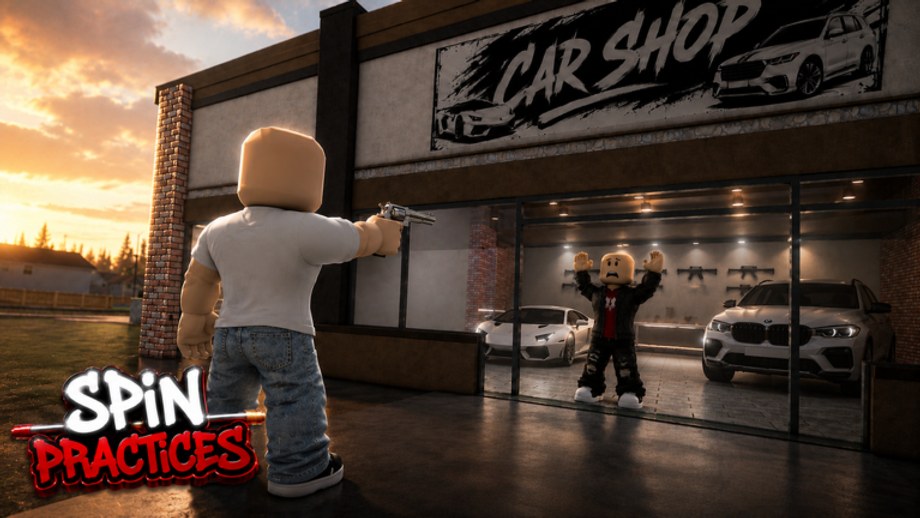
SpinPractices uses Roblox’s third-person shooter grammar. If shift lock is off, you are dragging the camera with right mouse and you will not complete a clean 360 while firing. This page is the bind sheet. The video in the middle is a real PC shift lock walkthrough — watch it once, then come back to the tables.
PC (keyboard and mouse)
| Action | Default |
|---|---|
| Move | W A S D |
| Jump | Space |
| Sprint (if enabled) | Left Shift while unlocked, or a dedicated key if the trainer remaps |
| Toggle shift lock | Left Shift after Shift Lock Switch is On |
| Look / 360 | Mouse |
| Fire | Left click |
| Reload / interact | R or E depending on the beta tool |
| Pause / settings | Esc |
Turn Shift Lock Switch to On in Esc → Settings. If Movement Mode is Mouse Only, shift lock will not arm. The Getting Started page repeats this because it is the number one failed first session.
When shift lock is on, A and D strafe relative to the camera. That is what lets you orbit the dummy. If you hold W the whole spin, you walk into the glass. Recover with the opposite key after the flick — the same idea as the how to spin guide.
Camera sensitivity
Roblox camera sensitivity is not mouse DPI. A high DPI mouse plus 100% Roblox sense will 360 in a twitch and overshoot the dummy. Start around 30–50% in-game if you play hood games at medium sense, then use sensitivity setup to match another title.
Mouse acceleration in Windows should be off. Raw input is not a SpinPractices setting; it is an OS setting. If 360s feel different every day, check that first.
Mobile
| Action | Typical |
|---|---|
| Move | Left thumb stick |
| Look | Right drag |
| Fire | Right-side button |
| Jump | Jump button |
| Shift lock | In-game lock icon if the developer added one; otherwise Roblox Follow camera |
Set camera mode to Follow and movement to Dynamic Thumbstick if the trainer does not force a lock button. Mobile 360s are drag circles, not mouse orbits. Practice tracking more than spin speed. If you plug a mouse into Android, follow the PC section instead.
Auto-rotate will fight you. Disable it in the phone OS while you train.
Console
| Action | Typical |
|---|---|
| Move | Left stick |
| Look | Right stick |
| Fire | RT / R2 |
| Jump | A / Cross |
| Shift lock | Often not 1:1 with PC; look for an in-game toggle |
Lower look sensitivity until a full stick roll does not skip past the dummy’s head. Aim assist, if present, is a beta unknown — do not assume it matches Arsenal or Rivals. Train first-shot placement as if assist is off, then enjoy it if it is on.
Keyboard on console is possible; if you plug one in, enable shift lock the PC way. The how to play page recommends picking one device for a week.
Common control failures
- 360 starts, dummy gone at 180. Sense too high, or you did not keep a strafe key. See how to spin.
- Shots go into the floor. You are looking down because shift lock offset is low. Raise camera offset in Roblox settings if the trainer allows it.
- Click does not fire. You clicked UI. Unlock shift lock, close shop, lock again.
- Mobile look jumps. Two thumbs overlapping the fire button. Shrink the fire button in Roblox touch settings.
Related pages
Once binds feel boring, they are correct. Go to how to improve aim and the warmup. If a patch remaps keys, we will note it in beta notes. The Guides hub links every sibling page in this category.
Frequently Asked Questions
Quick answers for SpinPractices sessions, settings, and drills.
Why does Shift do nothing?
Shift Lock Switch is Off, or Movement Mode is Mouse Only. Open Esc → Settings.
Can I rebind shift lock to Ctrl?
Not from the live trainer UI. That is a Studio-side change, not a player setting.
Should mobile players use shift lock?
Use the in-game lock icon if it exists. Otherwise train tracking with Follow camera.
Does SpinPractices have unique keybinds?
The beta uses standard Roblox shooter binds. We will update this table if a patch adds custom keys.