
SpinPractices Sensitivity Setup
A slow circle that still ends on the dummy's chest.
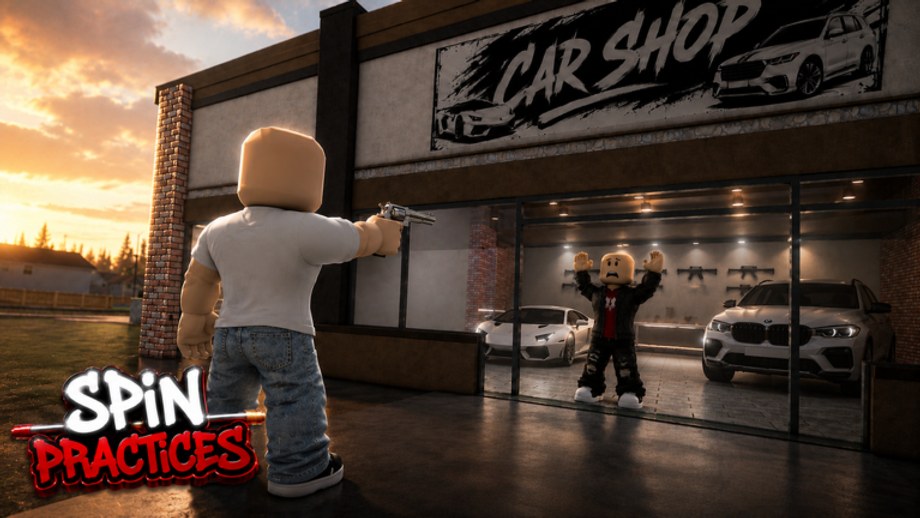
Most missed 360s in SpinPractices are sensitivity, not talent. This page is the setup. Use it with controls and how to spin. It is not a live calculator that pretends every hood game shares FOV.
Defaults to start from
- Mouse DPI: 800 or 1600. Pick one. Do not use 3200 plus high Roblox sense.
- Windows pointer speed: 6/11, acceleration off.
- Roblox camera sensitivity: start at 40% if you play other third-person shooters on “medium.” Start at 25% if you came from high-sense obbies.
- Shift lock: On. Non-negotiable on PC.
Mobile: lower look sensitivity until a full right-thumb circle keeps the dummy on-screen. Console: same idea on the right stick.
The car shop test
- Stand on the asphalt, dummy centered, shift lock on.
- 360 slowly. When you finish, the dummy should still be near the reticle without a correction flick.
- If you pass the dummy, lower Roblox sense 5% and retry.
- If you stop short, raise 5% or raise DPI one step, not both.
- When the slow circle lands, fire one shot. If the shot is off but the circle was on, that is aim, not sense — go to how to improve aim.
Do this test after every “I should raise sense” impulse. Most impulses fail the test.
Matching another game
You cannot paste a Rivals number into Roblox camera sense and expect a match. Method:
- In the other game, note how far the mouse moves for a 360.
- In SpinPractices, adjust until the same mouse distance completes a 360.
- Confirm with the dummy test above.
If the other game is first person, expect SpinPractices to feel wider. That is third-person offset, not a broken slider.
When to change sense
Change once per week, not once per miss. Log the number on your leaderboard private table. If static groups drop after a change, revert. The warmup should use last week’s number.
Related pages
Practice planner so the test is not your whole session. Tools hub for the sibling page. Loadout rankings if you thought sense was the issue and it was a giant hat. Beta notes if a patch adds FOV.
Laptop trackpads cannot run this test. Borrow a mouse or accept that mobile/console rules apply. If you share a PC, write your DPI on a sticky note. Someone else’s 1600 with your 40% camera sense is not your setting. After you lock a number, run the warmup for three days before you touch the slider again. Three days is long enough to see whether 360s settled or whether you only got lucky on a quiet dummy. If your hand hurts, the sense is too low and you are arm-aiming huge 360s. Raise a little, do not double. If your wrist flicks past the dummy every time, the sense is too high. The car shop test is the judge, not a friend who plays a different FOV.
Frequently Asked Questions
Quick answers for SpinPractices sessions, settings, and drills.
What sensitivity do pros use?
There is no published SpinPractices pro sheet. Use the dummy circle test.
Should I copy BlockSpin sense?
Start close, then run the car shop test. FOV will not be identical.
Does DPI matter more than in-game sense?
They multiply. Change one at a time.
Mobile sense tips?
Train tracking first. Full 360 drags need a lower look value than you think.
Should I use a mouse on Xbox?
If you do, treat it as PC and enable shift lock. Do not mix stick sense with mouse sense in one log.
Why not copy a streamer's number?
Their DPI, FOV, and shift lock offset are unknown. Run the car shop circle test instead.
I passed the slow circle but still miss shots.
Sense is fine. The miss is aim — open how to improve aim.